A new protocol usually arrives like this: a PDF by email, a half-hour meeting and a “read” signature. Three weeks later someone asks in the team chat the very thing page 4 explained.
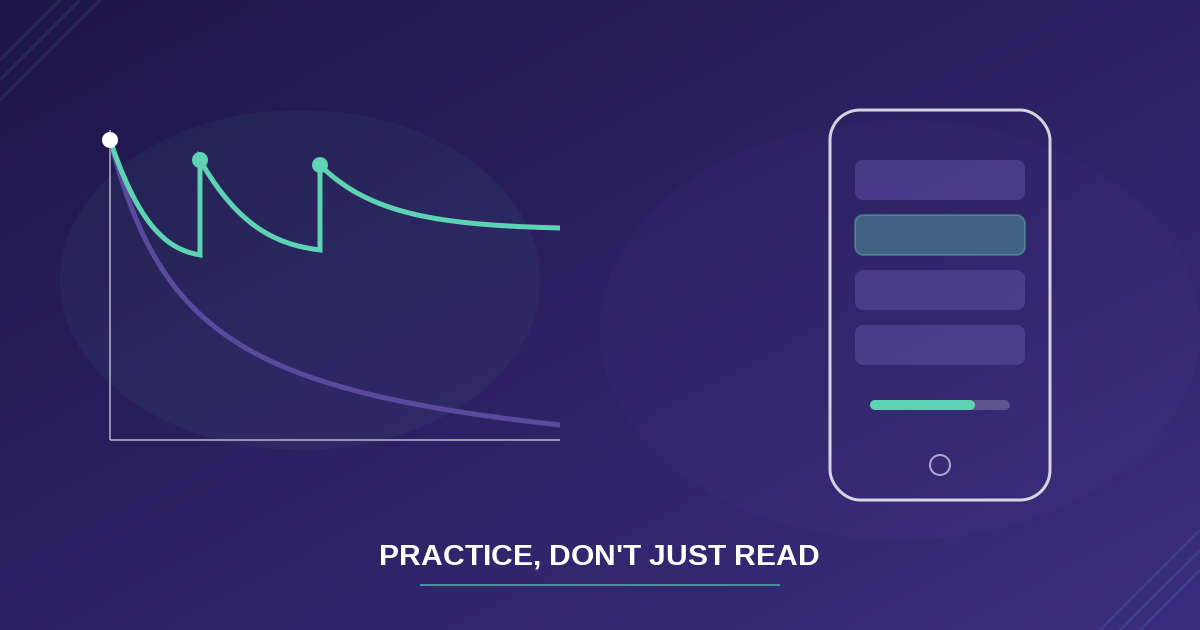
Attitude has little to do with it. Memory has worked this way since Hermann Ebbinghaus measured it in the 19th century, and a replication of his experiment published in PLOS ONE in 2015 (Murre and Dros) found a very similar curve: most forgetting happens in the first hours and days after learning something.
Reading is not the same as remembering
What slows that forgetting is well studied. In Roediger and Karpicke’s 2006 experiment, one group of students reread a text and another tried to recall it without looking. After five minutes, the rereading group remembered slightly more. After a week, the group that had practised recalling was clearly ahead. Answering questions, besides measuring what was learned, helps it stick.
For internal training the consequence is practical. A course works if it makes people answer, in short and repeated sessions, and if someone can see who has done it.
What fits in a short course
Anything that can be checked with short questions:
- Protocols. The order of the steps, what to do if something fails, who to tell.
- Product. Features, differences between models, answers to the usual objections.
- Internal policy. What is and is not allowed, with concrete cases.
- Languages for customer service. Vocabulary and phrases from the job’s daily routine.
What you learn with your hands (operating a machine, a physical technique) needs in-person practice. A phone course can cover the theory around it.
How to design the course
- Small modules. One module, one idea: a short explanation with an example, followed by a stage of exercises.
- Exercises that force recall. Multiple choice to tell similar cases apart, fill-in-the-gap or written answers for what must be known by heart, ordering for the steps of a protocol, matching pairs to connect concepts and review cards for terms.
- Error messages that explain. “Wrong” teaches nothing. “Tell the supervisor before restarting” does.
- A pass mark per stage. If stages unlock in order and require a percentage of correct answers, nobody reaches the end by tapping at random.
- Draft and published version. Protocols change. You need to edit without the team seeing a half-finished course.
Who gets in and how it is measured
One invitation code per group, with a maximum number of uses and an expiry date, saves chasing sign-ups one by one and keeps access from staying open after the training ends. Before choosing a tool, check whether you need single sign-on (SSO) or bulk sign-ups from a list: not every tool has them.
To measure, three data points per person and course are enough: whether they have started, which stages they have passed and their accuracy. If almost everyone fails a question, the problem is usually the explanation, not the team.
Checklist
- Does the course ask for answers or only for reading?
- Does each session fit in a few minutes?
- Do errors explain the right answer?
- Can you change the content without breaking what is published?
- Do you know who has not started?
- Does access expire when the training ends?
Maestro Academy
This is what Maestro Academy (site in Spanish), Soamee’s product for custom courses, does. You write the course in Maestro Studio, a web editor, with modules, stages and six exercise types corrected instantly, with a draft and a published version. Your team takes it in the Maestro app for iOS and Android after entering an invitation code, and you see per person the stages passed, the accuracy and the last activity. Its site also lists what it does not include yet, such as SSO, importing learners from CSV or video in exercises: see how it works (in Spanish).
If you need your own training platform, with your integrations, we cover that in software for edtech, and in Maestro we explain the method behind our learning apps. For video-based training, see AI avatars for internal training and AI video tools for companies.