Publiqa · Editorial calendar
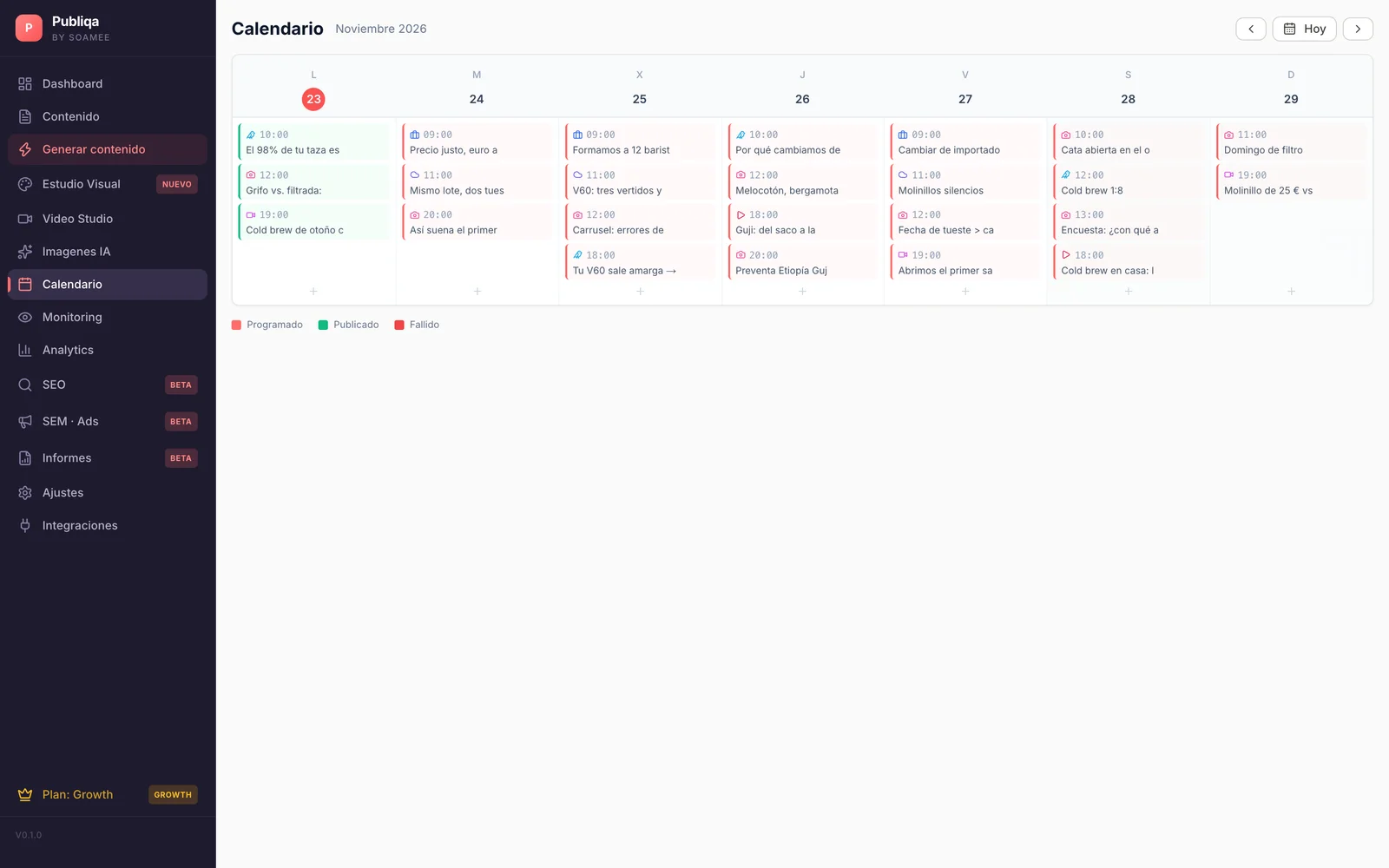
Your social week, planned on its own
You define when each network publishes. When you schedule an approved piece, Publiqa puts it in the next free slot and publishes it on time.
Slots
Slots per network
For example, LinkedIn at 9:00 on Mondays, Wednesdays and Fridays, and Instagram at 12:00 and 20:00 on weekdays. They are set up with you during onboarding.
- Day and time slots for each network
- Only approved pieces can be scheduled
- Approved pieces take the next free slot
Reliability
Retries and failures
If a network rejects the post, Publiqa retries up to 3 times. If it still fails, the piece is marked as Failed and the network’s error is kept for review.
- Up to 3 retries
- Failed status with the stored error
- Weekly view with what was published and what is scheduled
Want to stop publishing in bursts?
Calendar, pricing and demo are on Publiqa’s site.
publiqa.soamee.com (site in Spanish)FAQ
Frequently asked questions
Can I publish without approving first?
No. Only approved pieces can be scheduled.
Who sets up the slots?
They are configured with you during onboarding, per network, day and time.
What if a network fails?
Publiqa retries up to 3 times; if it still fails, the piece is marked as Failed with the network’s error.
Slot-based editorial calendar | Publiqa
Tell us your challenge. We'll propose a solution.
No commitment. We reply within 24 hours, and within 48 hours you have a proposal with scope, timeline and budget. No fine print.